
Availability Rules
Updated May 2026
Control when people can book your facilities—operating hours, blackout dates, booking windows, and member perks.
Overview
Availability rules are the guardrails that control when and how people can book. Set them up once, and they'll quietly enforce themselves—no more arguing about whether someone can book at 6am or explaining why Thanksgiving isn't available.
- Different hours for different days (Sunday opens later, makes sense)
- Holidays and maintenance blocked automatically
- Members can book further ahead than guests
- Minimum booking lengths so people can't reserve 15-minute slots during peak hours
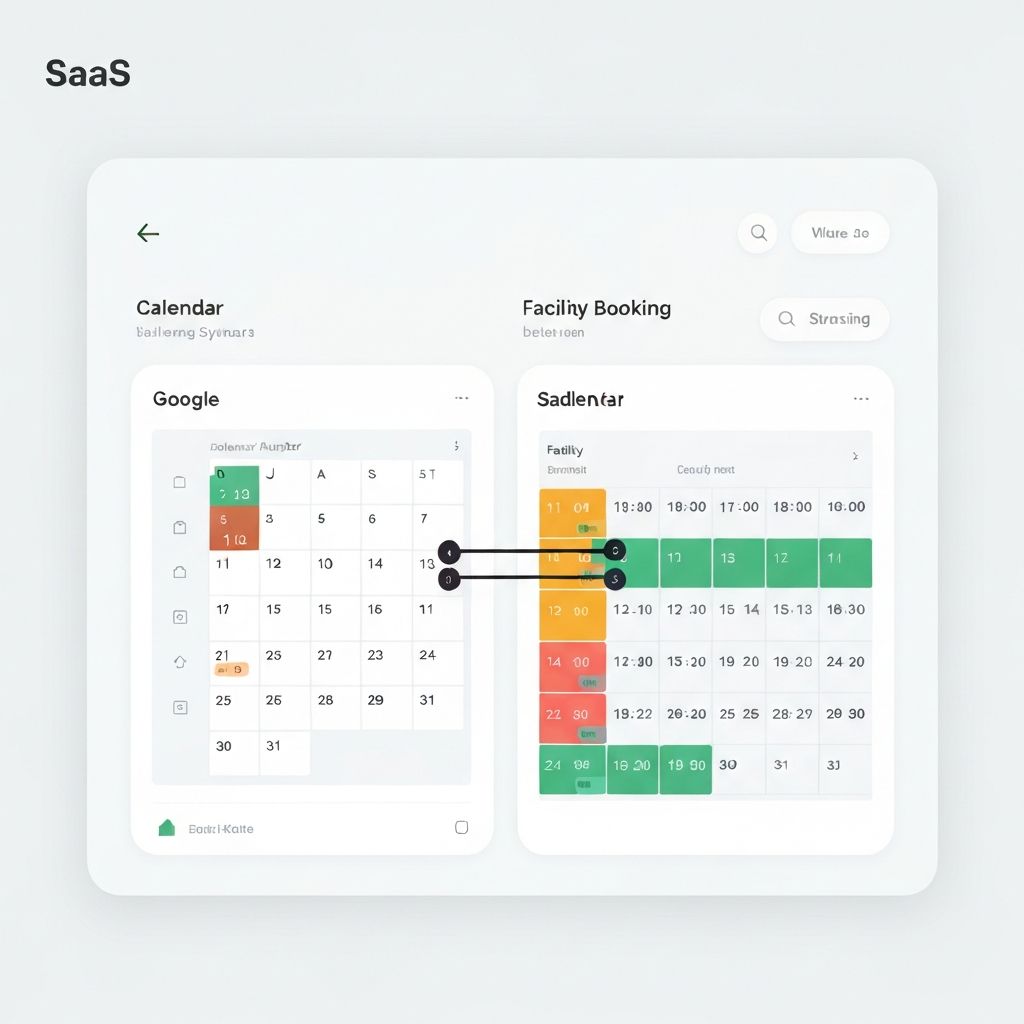
Operating Hours
This is exactly what it sounds like—when your facility is open for bookings. Most places set this up once and forget about it (until daylight savings, anyway).
- Go to Facilities → [Select Facility] → Availability
- Set open and close times for each day
- Toggle days off entirely if you're closed (Sunday, maybe?)
- Save it
Different facilities can have different hours. Indoor courts might stay open until 10pm while outdoor courts close at sunset. Makes sense to configure them separately.
Tip
Got different hours for different seasons? Create seasonal schedules and switch between them as needed. Way easier than manually changing hours four times a year.
Blackout Dates
Blackout dates block bookings during specific periods. You'll use these for:
- Holidays when you're closed
- Scheduled maintenance (gotta resurface those courts sometime)
- Private events or tournaments
- Seasonal closures
To add one:
- Go to Settings → Availability → Blackout Dates
- Click "Add Blackout"
- Pick the date or date range
- Choose which facilities it affects (maybe just outdoor courts?)
- Add a reason if you want customers to see why (optional)
- Save it
Pro tip: add your blackout dates for the whole year at once. Takes 10 minutes and saves you from scrambling to block Thanksgiving the week before.
Booking Windows
These control how far in advance people can book, and how last-minute they're allowed to be:
- Maximum advance booking — How far ahead can people book? 2 weeks? 30 days? Longer windows give customers more planning flexibility; shorter windows give you more control.
- Minimum notice — How close to start time can people book? An hour before? 24 hours? This prevents chaos from last-second bookings.
Here's a nice trick: give members longer booking windows than non-members. Members can book 30 days out; guests can only book 7 days out. It's a nice perk that costs you nothing and gives members first crack at popular times.
Duration Limits
Control how long bookings can be:
- Minimum duration — No 15-minute bookings clogging up your calendar. Most tennis facilities set this to 1 hour, at minimum.
- Maximum duration — Don't let one group monopolize a court all day. 2-3 hours is typical for most sports.
- Time increments — Booking start times snap to intervals. Every 30 minutes? Every hour? Keeps your calendar tidy.
Buffer Time
Buffer time adds automatic gaps between bookings. Useful for:
- Cleaning courts between sessions
- Letting the previous group clear out
- Equipment setup or teardown
- Staff catching their breath
You set this per facility. 15 minutes between tennis bookings to sweep courts? 30 minutes between gym rentals to reset equipment? Whatever works for you.
Member Priority Booking
Give your members a head start on booking popular times:
- Priority window — Members can book 7 days before non-members. They get first dibs on Saturday morning.
- Tiered priority — Premium members book before basic members. Another perk that costs you nothing.
- Reserved slots — Hold certain times exclusively for members until a cutoff. If members don't book by Thursday, it opens to everyone.
These small perks make memberships more valuable without cutting into your revenue. Members feel special, non-members still get access, everybody wins.