
Membership Plans
Updated May 2026
Create membership tiers that fit your business—with custom pricing, perks, and booking privileges.
Overview
Memberships turn casual visitors into regulars. Instead of paying per booking, members pay a recurring fee and get perks in return—discounted rates, priority booking, access to times or facilities that aren't available to non-members.
Most facilities structure memberships one of these ways:
- Tiered — Bronze, Silver, Gold. More money, more perks.
- Sport-specific — Tennis membership, pool membership, gym membership. Pay for what you use.
- Family/Corporate — Multiple people under one account. Companies love these.
- Seasonal — Summer pass, winter league. Time-limited access at a set price.
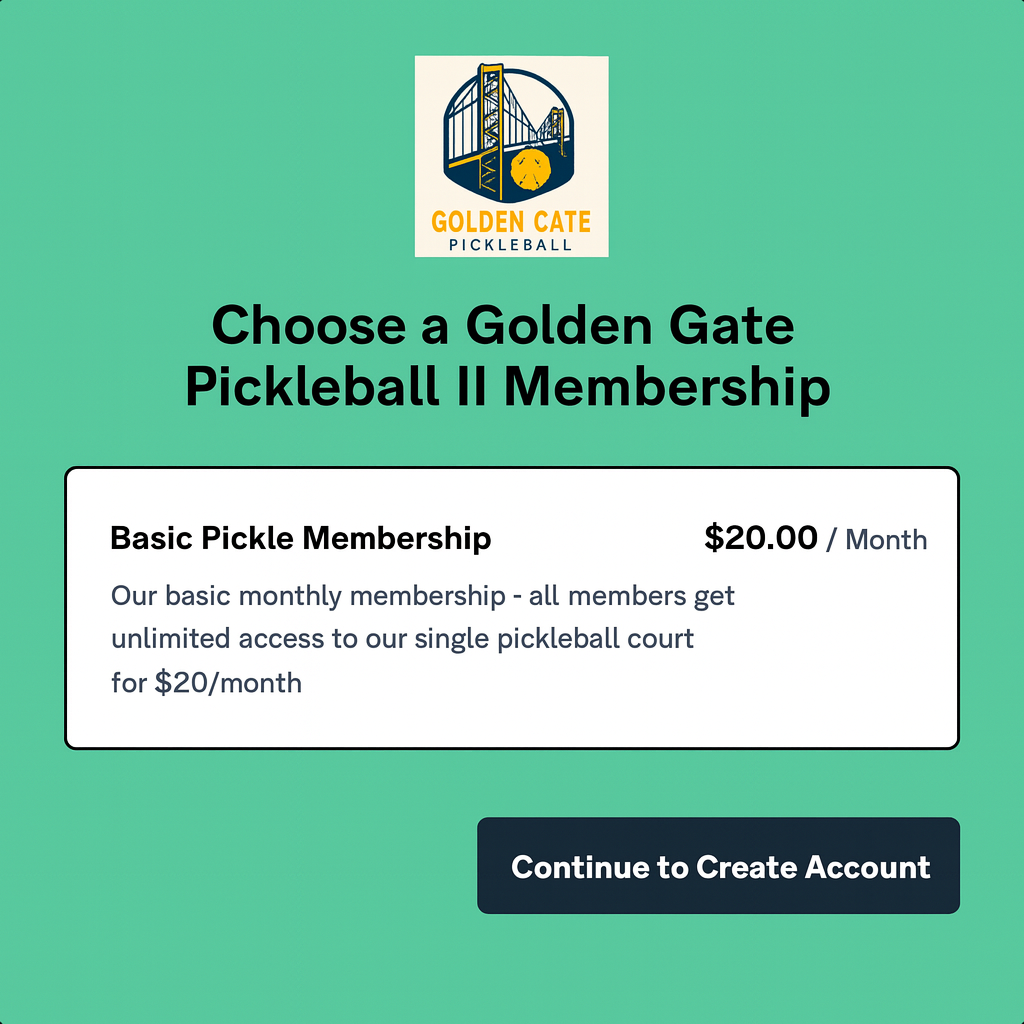
Creating Membership Plans
Setting up a new plan takes about five minutes:
- Go to Memberships → Plans
- Click "Create Plan"
- Give it a name and description (what people will see when signing up)
- Set the price and billing frequency
- Configure what perks and privileges come with it
- Save and publish
You can make plans visible on your public booking page for anyone to purchase, or keep them hidden so only staff can assign them. Hidden plans work well for corporate memberships or special arrangements you don't want advertised publicly.
Pricing Options
Charge however makes sense for your business:
- Monthly — The classic recurring subscription. Easy for customers to budget.
- Annual — One yearly payment. Usually comes with a discount (pay for 10 months, get 12). Great for cash flow.
- Quarterly — Every 3 months. A middle ground.
- One-time — Pay once for a fixed period. Works well for seasonal passes.
- Custom — Whatever interval you want. Every 6 weeks? Sure.
You can also add extras like setup fees (country clubs love these), prorated first months (so people can join mid-cycle), free trial periods, and promotional discounts.
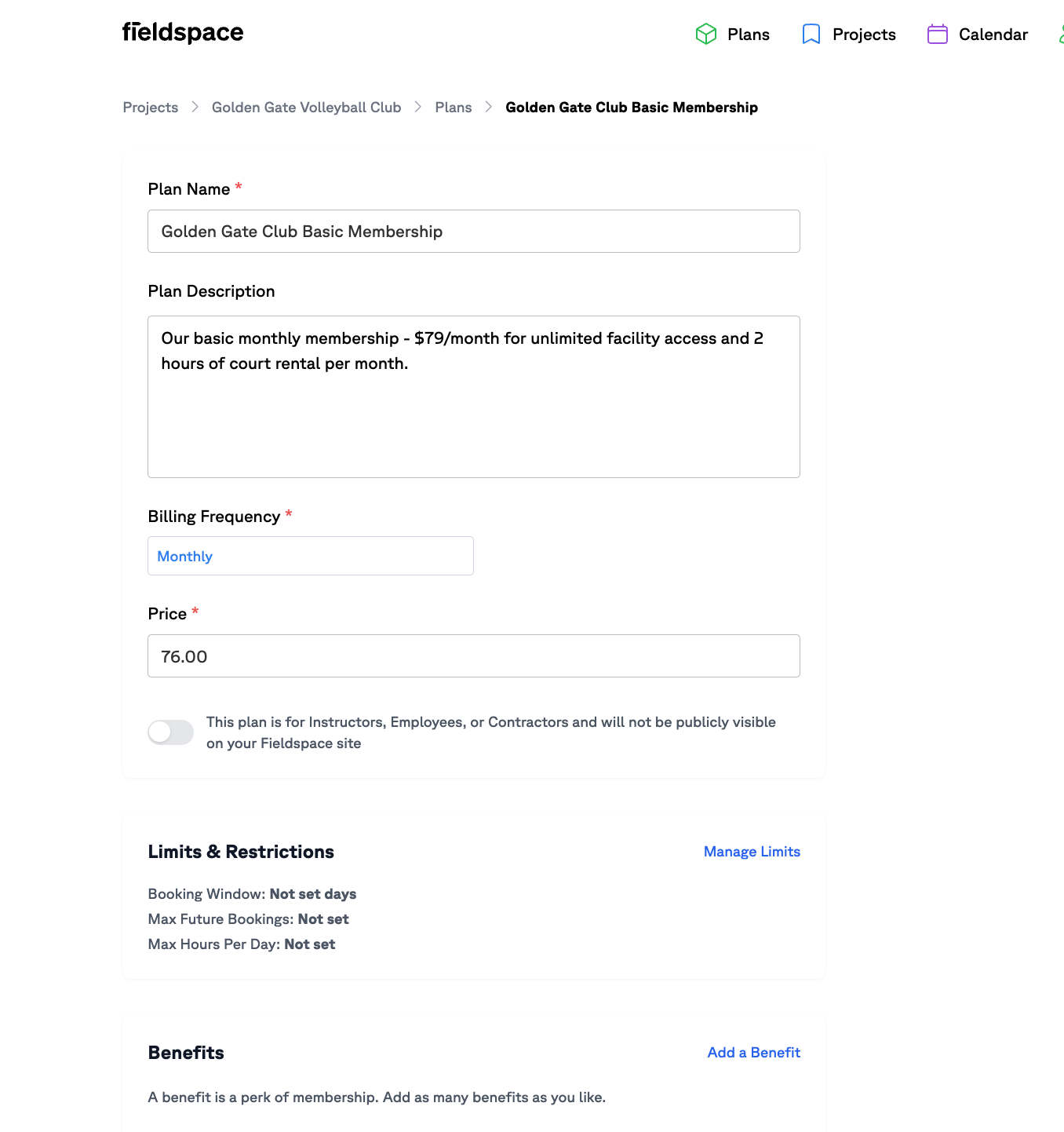
Membership Benefits
This is what makes people actually pay for membership:
Booking Privileges
- Book further in advance than non-members
- First dibs on popular times (Saturday morning, anyone?)
- Access to facilities or courts that non-members can't book
- Unlimited bookings, or a set number per week/month
- Bring guests (with or without extra charge)
Discounts
- Percentage off all bookings (20% member discount is common)
- Reduced hourly rates
- Free court time included (like "4 hours/month free, then discounted rates")
- Cheaper equipment rentals
- Pro shop discounts
Tip
Don't overthink it. Start with 2-3 plans and see what people actually want. You can always add more tiers later, but it's harder to consolidate once you have members on each plan.
Managing Members
The Memberships section gives you a complete view of who's paying you:
- Member list — Search, filter, and export your members
- Status tracking — Who's active, expired, cancelled, or paused
- Renewals — See what's coming up so you're never surprised
- Usage reports — Who's actually using their membership? Who's paying but never showing up? (Those are your retention risks.)
- Plan changes — Upgrade, downgrade, or cancel memberships
Members can manage their own accounts through the member portal—updating payment info, viewing their history, renewing memberships—so you don't have to do it all manually.