
Platform Overview
Updated May 2026
A quick tour of what Fieldspace does and how the pieces fit together. Start here if you're new.
What is Fieldspace?
Fieldspace is scheduling software built for sports facilities. Not generic "appointment booking" software that you have to twist and hack to work for courts and fields—actual purpose-built tools for how sports venues operate.
We handle the stuff that makes running a facility complicated: courts that can be split into smaller configurations, membership tiers with different booking privileges, lessons running alongside open rentals, seasonal pricing, and the million other details that generic tools can't handle well.
Key Features
Here's what you can do with Fieldspace:
Scheduling
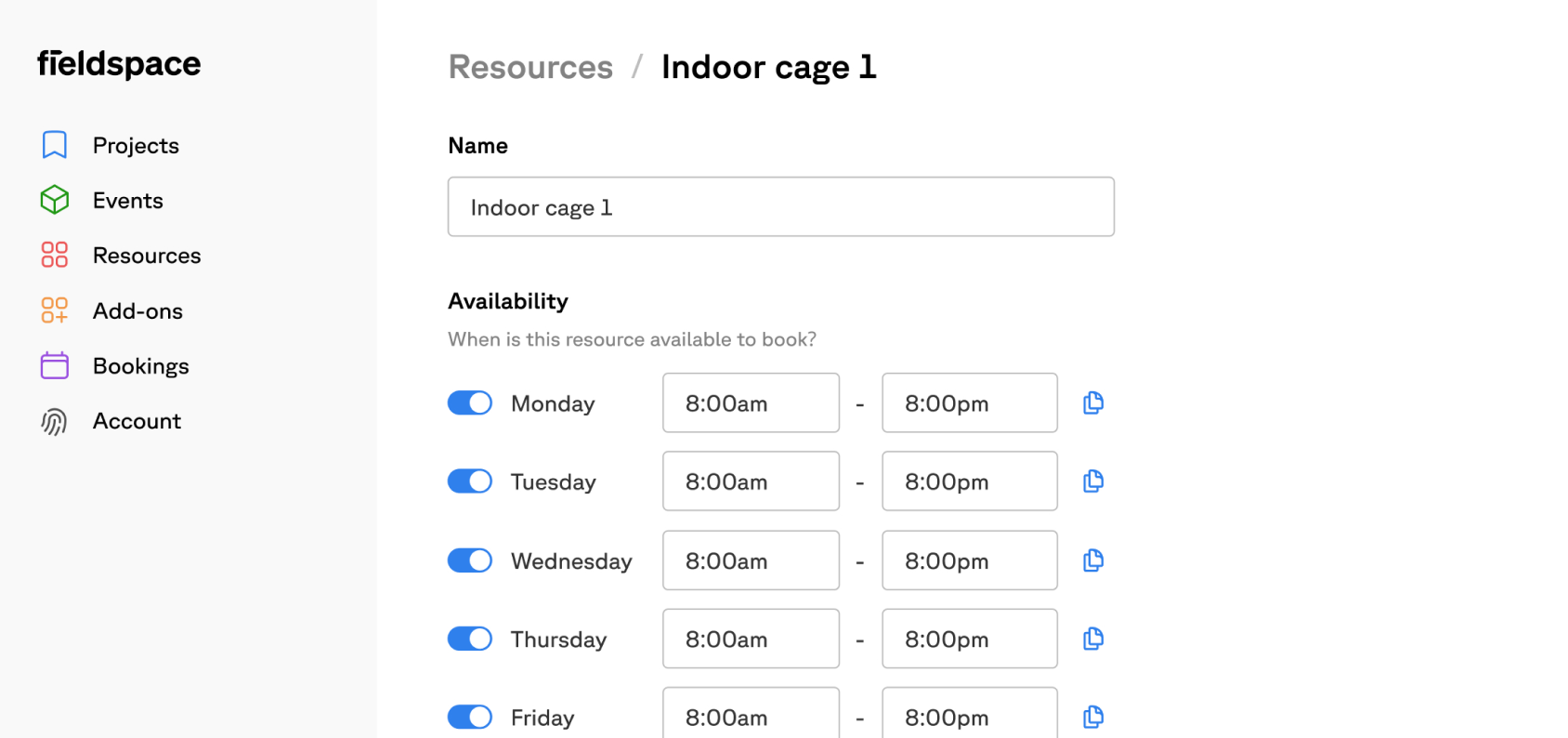
The heart of Fieldspace. Let customers book courts, fields, lanes, or whatever spaces you rent out—online, 24/7, without you having to answer the phone.
- Real-time availability — Customers see what's open instantly. No more back-and-forth emails.
- Recurring bookings — Set up weekly lessons or league blocks once, and they repeat automatically.
- Calendar sync — Connects with Google Calendar and Outlook, so bookings show up where you already look.
- No double bookings — The system won't let two people book the same court at the same time. Sounds obvious, but you'd be surprised.
- Your rules, enforced automatically — Booking windows, minimum notice, blackout dates—set them once and forget about it.
Memberships
Turn your regulars into members and give them perks that keep them coming back:
- Flexible tiers — Create as many membership levels as you need, each with its own pricing and perks.
- Member portal — Members can book, pay, and manage their account without calling your front desk.
- Booking privileges — Give members priority booking, longer reservation windows, or access to spaces that non-members can't book.
- Automatic renewals — Set it and forget it. Memberships renew and charge automatically.
Payments
Stop chasing checks and dealing with no-shows who never paid:
- Pay at booking — Customers pay when they book. No more unpaid reservations.
- Automatic invoicing — For recurring charges, we generate and send invoices automatically.
- Easy refunds — Process refunds or issue account credits in a few clicks.
- See your numbers — Track revenue and transactions in real-time. No more waiting for your accountant to tell you how the month went.
How It Works
The basic flow is pretty simple:
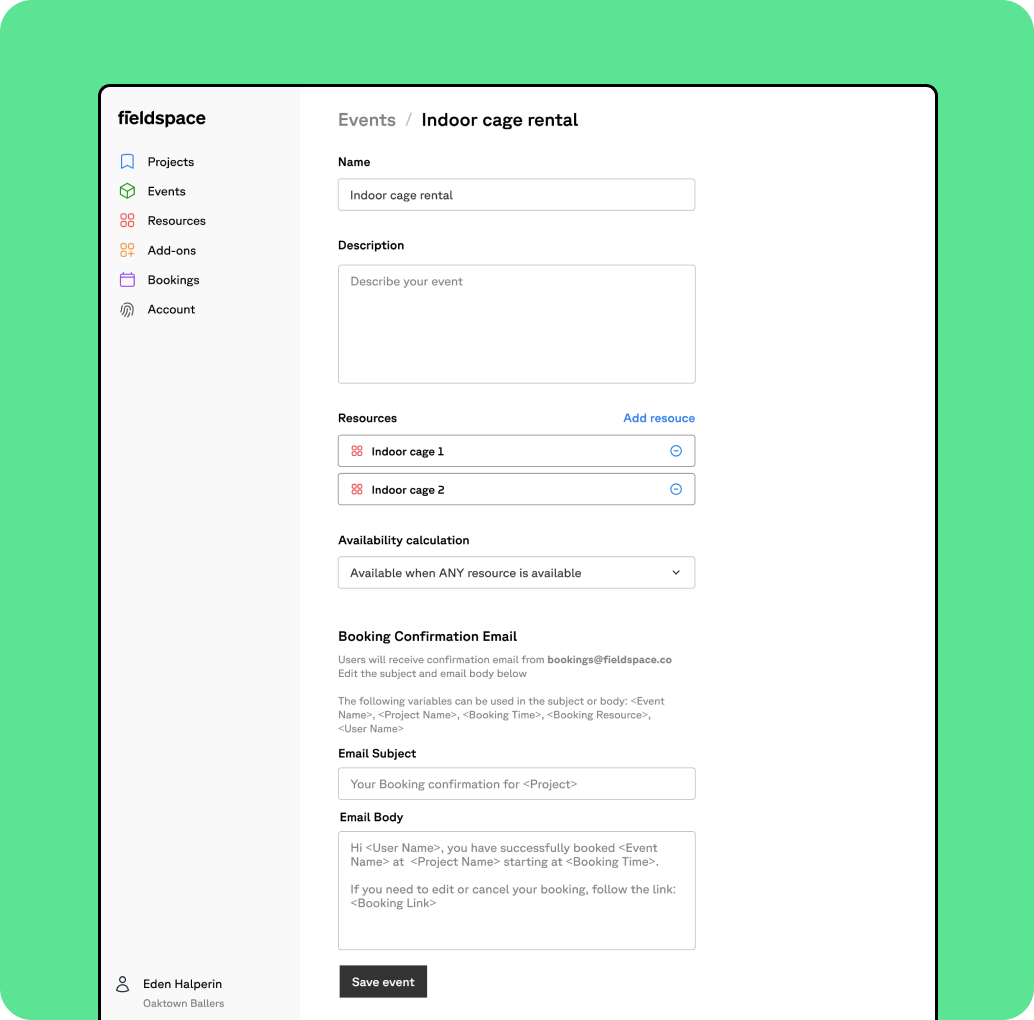
- Add your spaces — Tell Fieldspace about your courts, fields, lanes, whatever you rent out. Set their hours and any special rules.
- Set up memberships (optional) — If you have members, create the tiers and pricing that fit your business.
- Share your booking page — You get a public booking page. Put it on your website, share it on social media, text it to regulars.
- Get paid automatically — When someone books, they pay right then. The money lands in your account, and you don't have to do anything.
- Watch your business grow — Use the reports to see what's working and where you can improve.
Tip
Most people are up and running in about 15 minutes. You can always tweak things later as you figure out what works best for your facility.
Getting Started
Ready to dive in? Here's where to go next:
- Quick Start Guide — The fastest path from "just signed up" to "taking my first booking." Takes about 15 minutes.
- Account Setup — Go deeper on organization settings, team permissions, and branding.
- Book a Demo — Want someone to walk you through it? Schedule a call with our team. We're happy to help.